Signing in to Foodini
Foodini keeps your dishes and ingredients in your own account, so you sign in before using them. This page covers signing in and what you can do without an account.
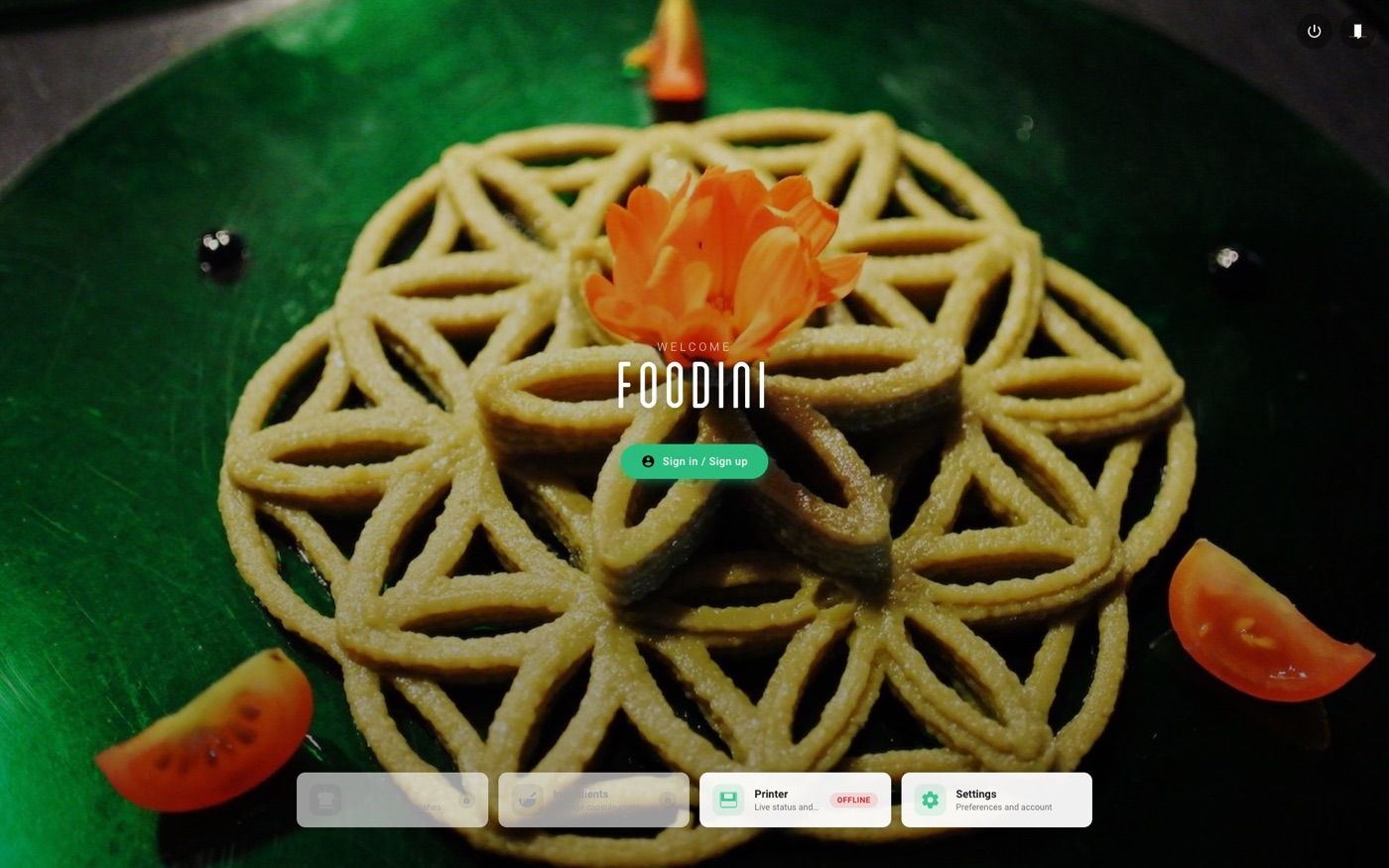
Before you sign in
On the home screen, Recipes and Ingredients are greyed out with a small padlock, because both belong to an account. Printer and Settings stay available, so you can check the printer or change machine settings without signing in.
Signing in
Tap Sign in / Sign up in the middle of the home screen.
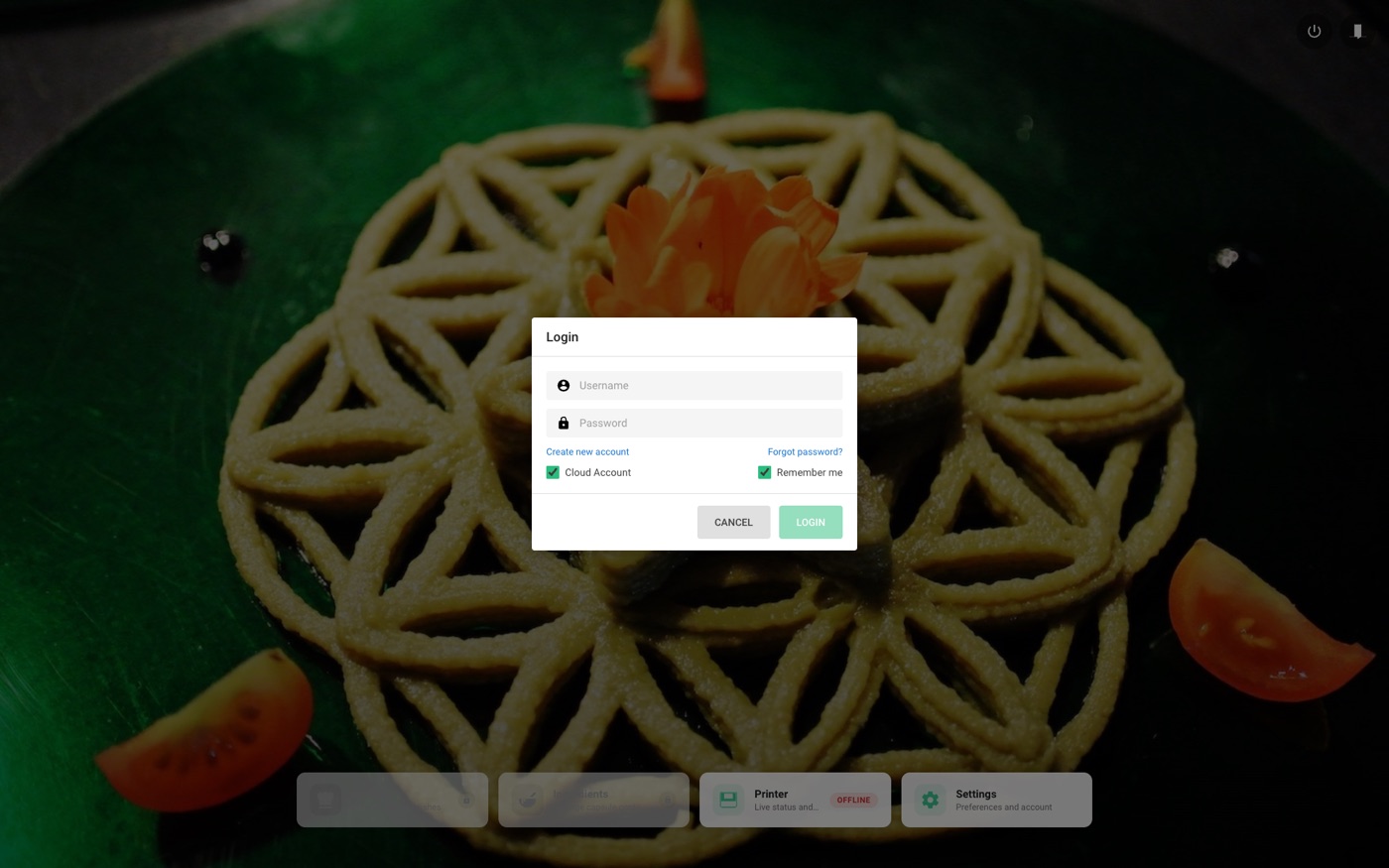
Enter your username and password, then tap LOGIN.
- Cloud Account — leave this ticked for a normal Foodini account. Untick it only for an account that exists on this machine alone.
- Remember me — keeps you signed in between uses.
If you do not have an account yet, Create new account sets one up. Forgot password? sends a reset code to your email.